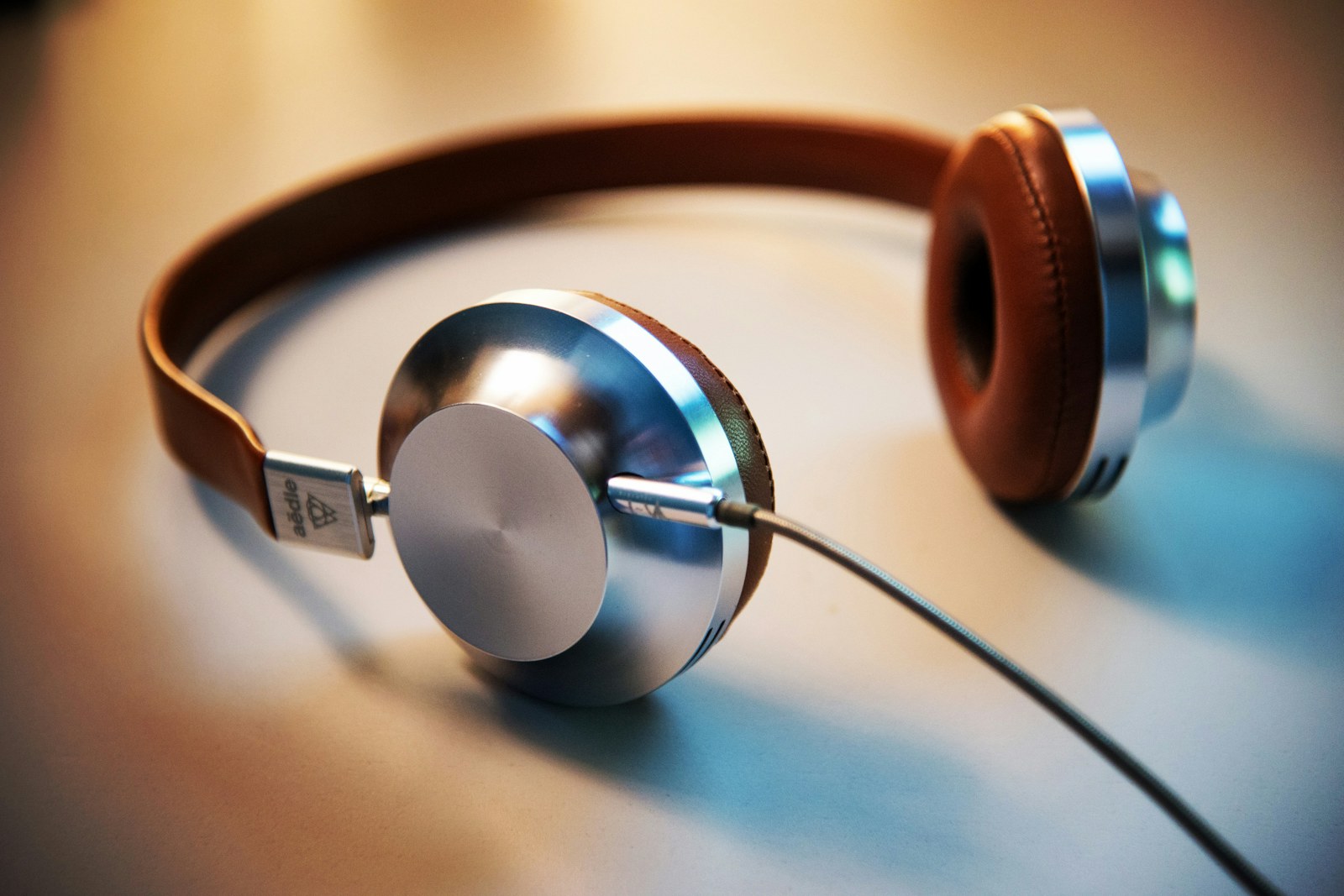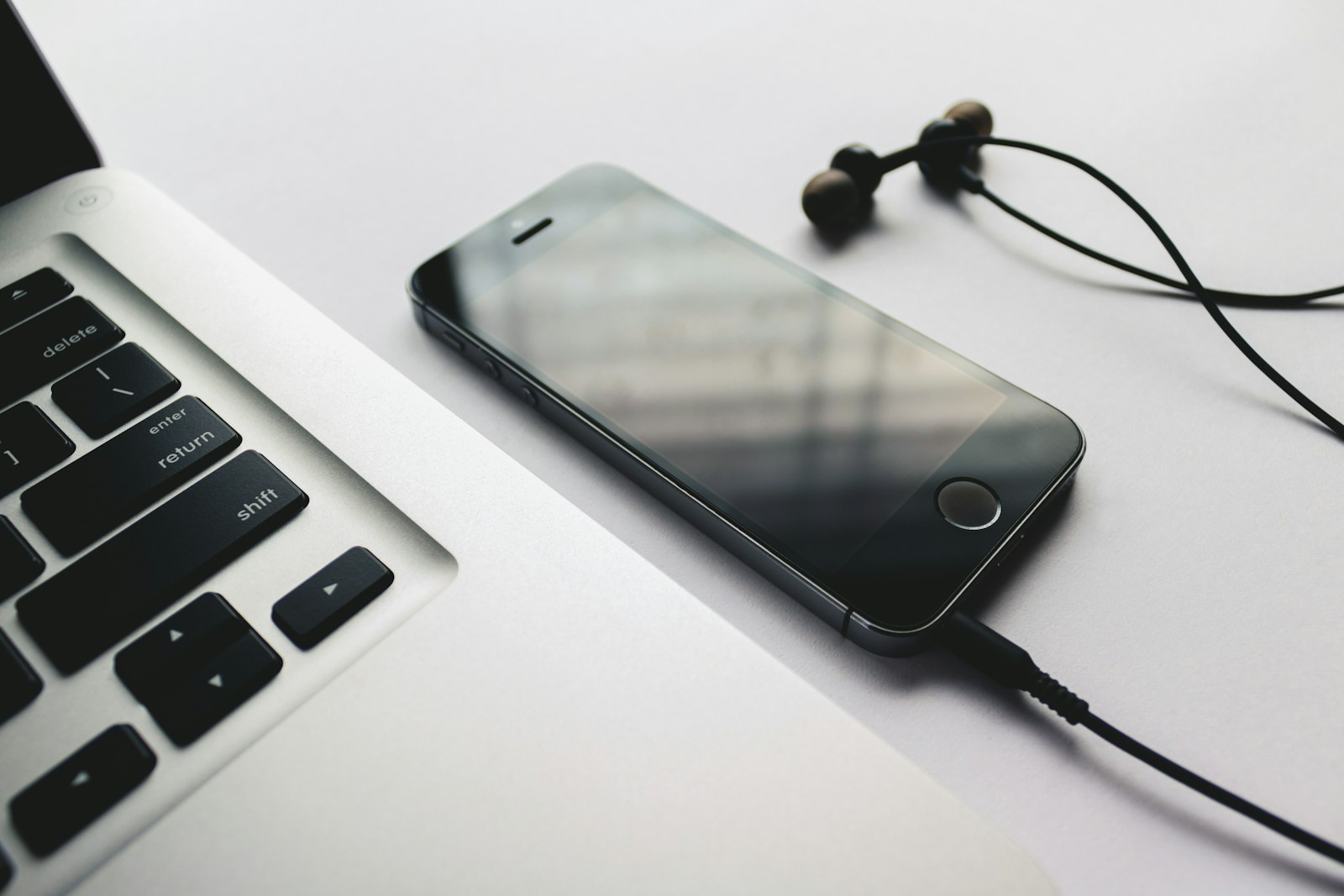
The commute begins with a windy walk, passes through a noisy platform, and ends with a work call before the coffee is finished. Earbuds have to stay put, switch modes without guesswork, and keep enough charge for the return journey while the case shares a pocket with keys.
Quick answer
Choose by phone ecosystem only after fit and control behavior pass the test. AirPods Pro 3 offer the smoothest path for iPhone users, Bose emphasizes adjustable in-ear noise control, and Pixel Buds Pro 2 make the most sense for Pixel-centered routines. Use a return window to test stability, comfort, and calls on your actual route.
Train, bus, and walking commuters who want compact earbuds for music, podcasts, calls, and brief moments of quiet without losing quick access to surrounding sound.
Our scenario-based picks
Product links below help you check current availability. We never invent a live price, and our recommendations are not sold to manufacturers.
Best for an iPhone commute
Apple AirPods Pro 3
Best for: iPhone users who value fast pairing, device finding, transparency, and ecosystem controls
Apple publishes active noise cancellation, transparency features, a compact Find My-enabled case, and up to eight hours of listening with noise cancellation enabled.
Know the tradeoff: The strongest integration depends on current Apple devices, and the silicone-tip fit will not suit every ear.
Best for adjustable quiet
Bose QuietComfort Ultra Earbuds (2nd Gen)
Best for: Riders who prioritize strong in-ear noise control and multiple fit combinations
Bose documents adjustable noise cancellation, aware listening, stability bands, multipoint, and a wireless charging case.
Know the tradeoff: Published single-charge battery life is shorter than some rivals, and the earbuds plus stability bands create more fit variables to dial in.
Best for a Pixel routine
Google Pixel Buds Pro 2
Best for: Pixel owners who want Android integration, adaptive listening, and a twist-to-adjust fit
Google publishes active noise cancellation, adaptive audio, a stabilizer adjustment, voice-focused microphones, and up to 30 hours with the case under stated conditions.
Know the tradeoff: Some assistant and adaptive features depend on compatible devices, accounts, software, language, and network access.
Fit has to survive the whole route
An earbud that seals well while seated may loosen during stairs, a fast walk, or conversation. Try every included tip, follow the maker’s fit test when available, and check for pressure or soreness after at least an hour rather than judging the first minute.
Stability wings and deeper seals can improve security but may increase fatigue. If no included size works in both ears, look for officially supported alternate tips or choose a different shell instead of forcing an uncomfortable fit.
Controls should work without a screen
A useful commute control scheme covers play, pause, mode switching, calls, and volume with gestures you can perform in gloves or a crowd. Accidental touches become more frustrating when adjusting a hat or reseating a bud.
Set up one quiet mode and one awareness mode, then practice switching between them before the first trip. Disable gestures you trigger unintentionally and learn whether either earbud can operate alone.
Call quality changes with the environment
Manufacturer microphone systems can reduce background sound, but wind, traffic, station announcements, and the earbud’s position still affect a call. Published features are useful context, not a guarantee that every voice will sound natural in a difficult location.
Record a voice memo outdoors and make a test call from the route during the return period. If important calls are common, prioritize consistent pickup over spatial audio or codec features you may rarely notice.
Build a no-drama commute setup
Update firmware, rename the earbuds clearly, configure controls, and confirm the case appears in the device-finding app when supported. Pair the second device only if multipoint or automatic switching behaves predictably with your phone and work computer.
Charge the case on a fixed schedule and keep the contacts clean and dry. A short USB-C cable at the desk can rescue the case, but it cannot help if the earbuds were placed loosely and never made contact overnight.
Before you buy
- Test every included tip and wear the earbuds through a realistic walk.
- Practice switching between quiet and awareness without opening the app.
- Make a call or voice recording in wind and transit noise.
- Confirm case size, charging routine, and single-bud behavior.
- Enable device finding and record the model or serial details.
Frequently asked questions
Are noise-canceling earbuds safe for walking?
They can reduce important environmental sound. Use transparency, lower volume, or remove an earbud where traffic, crossings, or announcements require full attention.
Why do my earbuds sound different after I walk for a while?
Movement can loosen the seal, changing bass and noise cancellation. Recheck tip size, insertion, stability pieces, and whether sweat is affecting the fit.
Do I need multipoint for commuting?
It is useful when moving between a phone and work computer, but only if switching is reliable. Single-device users may prefer simpler pairing behavior.
Sources and further reading
Specifications and compatibility details were last checked on September 30, 2026. Manufacturer pages can change; confirm the current product page before purchasing.