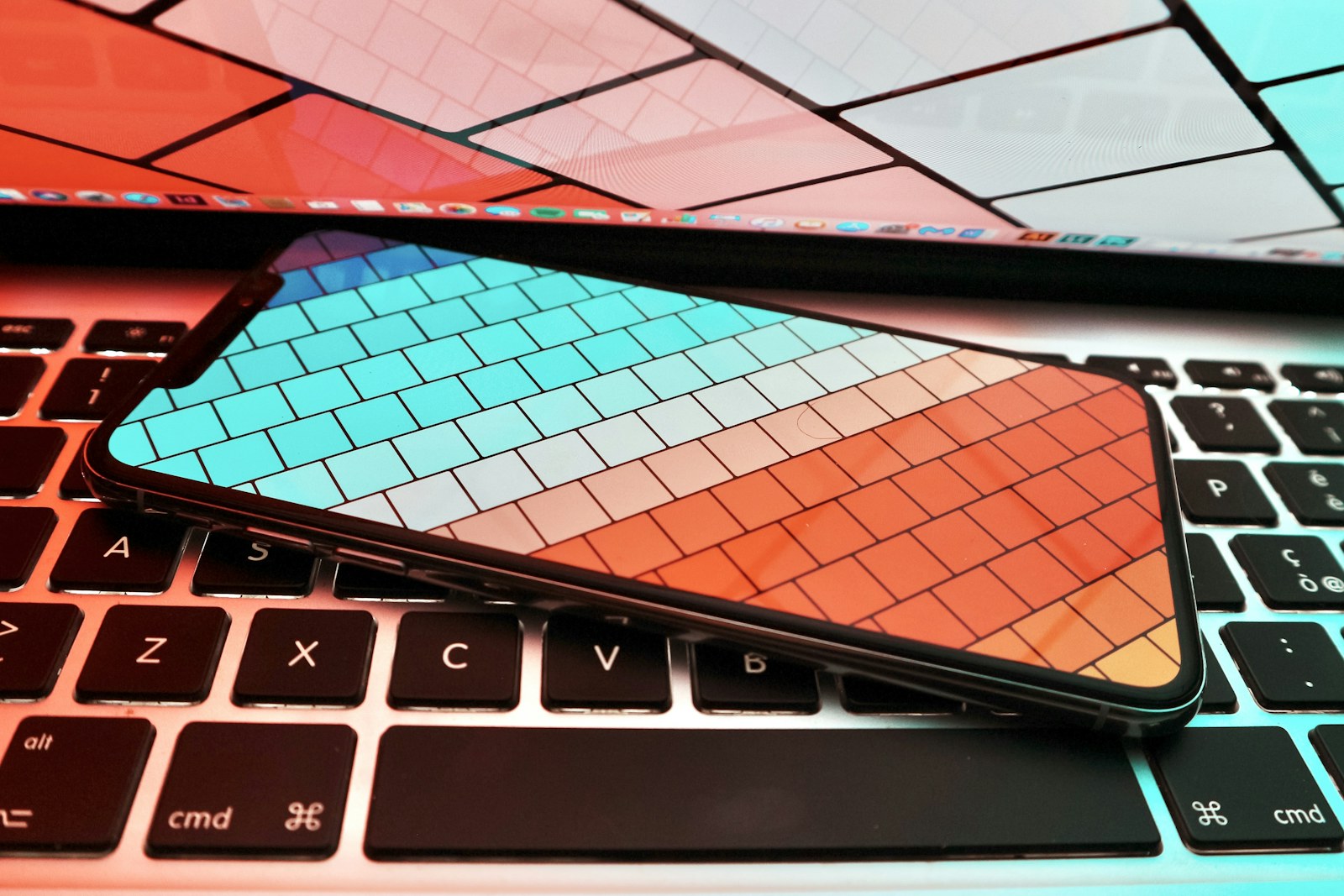
Your current phone works until a system update arrives before a trip and there is no room for it. You delete a few videos, remove a game, and promise to organize later. The right new capacity should break that cycle without making you pay for empty space forever.
Quick answer
For many buyers, a middle storage tier is the calmest choice: enough headroom for updates, media, and several years of use without relying entirely on a connection. Heavy 4K video, large games, or offline libraries justify more; cloud-first users with regular cleanup can live with less.
Anyone comparing phone storage tiers who wants to distinguish durable headroom from expensive capacity they are unlikely to use.
Our scenario-based picks
Product links below help you check current availability. We never invent a live price, and our recommendations are not sold to manufacturers.
Best baseline for light users
128GB phone storage
Best for: Streaming-first users who take ordinary photos and clean up regularly
This tier can support daily apps and a moderate photo library when cloud sync and housekeeping are part of the routine.
Know the tradeoff: Large games, offline video, and multi-year 4K recording can consume the remaining space surprisingly quickly.
Best balance for most people
256GB phone storage
Best for: Families, travelers, and buyers keeping a phone for several years
The extra headroom reduces the need to micromanage attachments, offline maps, camera files, and operating-system updates.
Know the tradeoff: It costs more up front and may be unnecessary for a disciplined cloud-first routine.
Best for local media
512GB or larger phone storage
Best for: Creators, large-game players, and frequent offline-video users
A high tier keeps large projects and libraries available without depending on fast uploads or aggressive deletion.
Know the tradeoff: The price premium is wasted if most originals are offloaded promptly and media is streamed.
Audit what is using space today
Open the storage screen on your present phone and separate permanent habits from temporary clutter. Photos, message attachments, downloaded music, games, and editing caches behave differently, so one total number does not explain the problem.
Repeat the check after removing obvious downloads and emptying recently deleted folders. The remaining figure is a better baseline; add room for growth, system updates, and the extra years you expect to keep the new device.
Understand what cloud storage does not solve
Cloud photo optimization can keep smaller device copies while preserving originals online, but it is not the same as unlimited local capacity. Travel, weak service, and account problems can make an online-only library less convenient.
Cloud subscriptions also create an ongoing cost and require a recovery plan. Know which folders are synchronized, whether deletions propagate, and how you would access important files if the phone were lost.
Leave operational headroom
A phone needs free space for app updates, temporary files, photo processing, and operating-system installation. Buying a tier that is nearly full on day one turns every future update into a cleanup exercise.
Do not calculate from advertised capacity as though every byte is available to personal files. System software and formatting consume space, and that footprint can change over the device’s life.
Estimate growth without false precision
Look at how much storage your photo library gained over the last year, then adjust for planned changes such as a child, a long trip, or more video work. A trend from your own device is more reliable than a universal files-per-gigabyte chart.
If you replace phones every two years and offload regularly, modest headroom may be enough. If you keep devices for five years, buy for later habits as well as today’s usage because internal storage usually cannot be upgraded.
Build a simple monthly cleanup
Review large videos, duplicate downloads, podcast episodes, and dormant games once a month. Use the phone’s built-in storage recommendations carefully, checking anything important before deletion.
Keep at least one independent backup of irreplaceable photos. Synchronization is convenient, but a separate copy protects against mistaken deletion or account loss in a way that a mirrored library may not.
Before you buy
- Check current used storage after removing obvious downloads.
- Identify your largest three categories of data.
- Decide which media must work without a connection.
- Allow room for updates and several years of growth.
- Budget for cloud service only if you will maintain it.
Frequently asked questions
Is 128GB enough for a phone?
It can be enough for light users who stream media, use cloud photo optimization, and manage downloads. It is less comfortable for large games, frequent 4K video, or long ownership.
Does cloud storage increase phone storage?
No. It can offload or optimize certain files, but the phone’s internal capacity remains fixed and apps plus offline content still need local space.
Can I add a memory card later?
Only if the specific phone supports removable storage. Many current flagship phones do not, so verify the official specifications before buying.
Sources and further reading
Specifications and compatibility details were last checked on September 30, 2026. Manufacturer pages can change; confirm the current product page before purchasing.