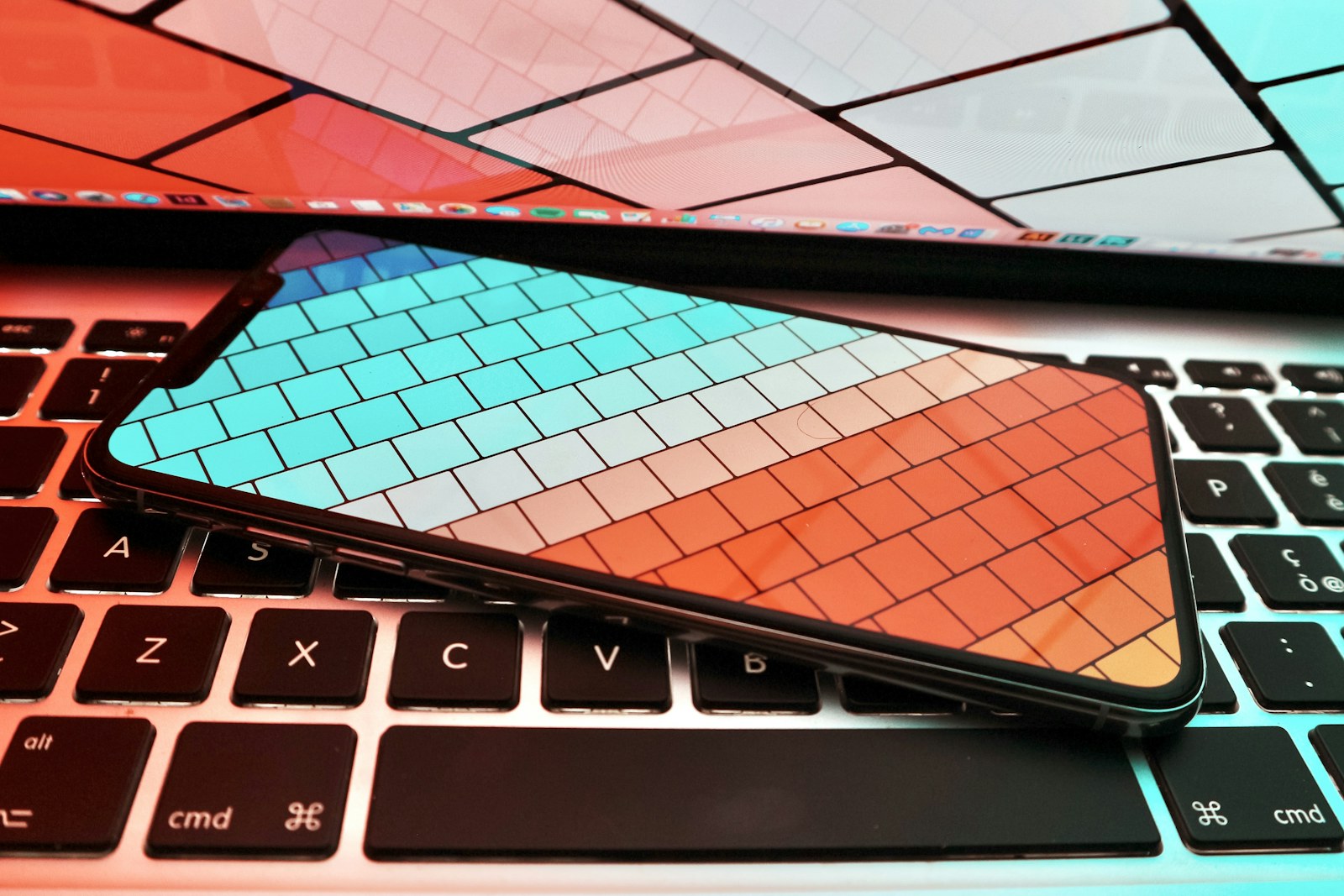
Imagine a long weekend built around one carry-on: bright plazas at noon, food in a dim restaurant, and a viewpoint where the subject is farther away than expected. A useful travel phone must handle that variety while leaving enough battery, storage, and attention for the rest of the trip.
Quick answer
Start with the lens range you will genuinely use, then weigh image processing, stabilization, storage, battery life, and regional connectivity. Based on published specifications, premium phones from Apple, Google, and Samsung cover different priorities; there is no single winner for every traveler.
Travelers who want strong photos and video without carrying a dedicated camera, and who are willing to choose around lens preferences rather than a headline megapixel count.
Our scenario-based picks
Product links below help you check current availability. We never invent a live price, and our recommendations are not sold to manufacturers.
Best for dependable video
Apple iPhone 16 Pro
Best for: Travelers who record as much video as they shoot photos
Apple documents a multi-camera system, ProRAW and ProRes workflows, and broad video stabilization features that fit a mixed photo-and-video trip.
Know the tradeoff: The Pro camera features and large files can consume storage quickly, and the Apple workflow is most convenient inside its ecosystem.
Best for assisted stills
Google Pixel 9 Pro
Best for: Point-and-shoot travelers who value computational photo tools
Google publishes a versatile rear-camera system and editing features designed to simplify difficult group shots and everyday corrections.
Know the tradeoff: Some software features depend on region, language, connectivity, or a Google account, so confirm availability where you live.
Best for distant details
Samsung Galaxy S25 Ultra
Best for: Sightseeing where telephoto reach matters
Samsung’s published specifications emphasize multiple focal lengths and high-resolution capture, useful when a landmark or stage cannot be approached.
Know the tradeoff: A large flagship can feel cumbersome during long walking days and may be more camera than casual travelers need.
Choose lenses for your itinerary
An ultrawide lens helps in tight interiors and narrow streets, while a real telephoto camera is more useful for architecture, wildlife, and performances than digital enlargement. Think through the scenes on your itinerary before paying for a lens you may rarely select.
Published focal-length equivalents are more informative than megapixels alone. Compare whether the phone switches to a dedicated camera at the zoom levels you expect to use, and remember that low light can change which sensor or crop the phone selects.
Plan for motion and difficult light
Travel happens in mixed light: a backlit station, a moving child, or a dinner table lit by one lamp. Optical stabilization, night modes, HDR processing, and fast access to the camera can matter more than a spectacular sample made under controlled conditions.
Manufacturer examples show capability, not a guarantee for every scene. Look for published support for stabilization and low-light modes, then keep expectations realistic when the subject moves or the lens is very small.
Treat battery and storage as camera features
Navigation, translation, cellular roaming, and photography all draw from the same battery. A phone that needs constant topping up can make a travel day feel less spontaneous, so pair your choice with an appropriate USB-C charger or permitted power bank.
High-resolution photos, RAW files, and 4K video can fill a modest storage tier quickly. Estimate how much you shoot, leave room for offline maps and apps, and decide whether you trust cloud backup on hotel Wi-Fi before departure.
A practical travel-photo routine
Clean the lenses before an important scene, enable the camera grid, and keep the default mode ready for fast moments. Use the main camera whenever possible because it generally has the strongest combination of sensor size, lens, and processing.
At the end of each day, favorite the images that matter and make one second copy. That might mean encrypted cloud backup on trusted Wi-Fi or a transfer to a laptop or portable drive; the important part is avoiding a single point of failure.
When a dedicated camera still makes sense
A phone is ideal for discretion and convenience, but a dedicated camera remains compelling for long telephoto work, sustained action, physical controls, or a particular lens look. Do not force a phone to replace equipment that serves a clear creative purpose.
For many city breaks and family trips, the best compromise is a capable phone plus one small grip or tripod. Spend less time building a miniature studio and more time learning the camera shortcut, exposure control, and backup routine before leaving.
Before you buy
- List the focal lengths your trip will realistically require.
- Choose enough local storage for photos, video, offline maps, and apps.
- Confirm eSIM or physical SIM support for the destination.
- Pack a compliant power bank and the correct charging cable.
- Set up an automatic or manual second-copy backup routine.
Frequently asked questions
Do more megapixels guarantee better travel photos?
No. Lens quality, sensor behavior, processing, stabilization, and lighting all influence the result. High resolution can help with cropping, but it also produces larger files.
Is optical zoom important on a travel phone?
It is useful when you photograph distant architecture, stages, or wildlife. If most of your pictures are people, food, and streets, the main and ultrawide cameras may matter more.
How much storage should a travel photographer buy?
Base the decision on video resolution, RAW use, trip length, and backup access. A larger local tier is valuable when connectivity is unreliable, but disciplined offloading can reduce the need.
Sources and further reading
Specifications and compatibility details were last checked on September 30, 2026. Manufacturer pages can change; confirm the current product page before purchasing.