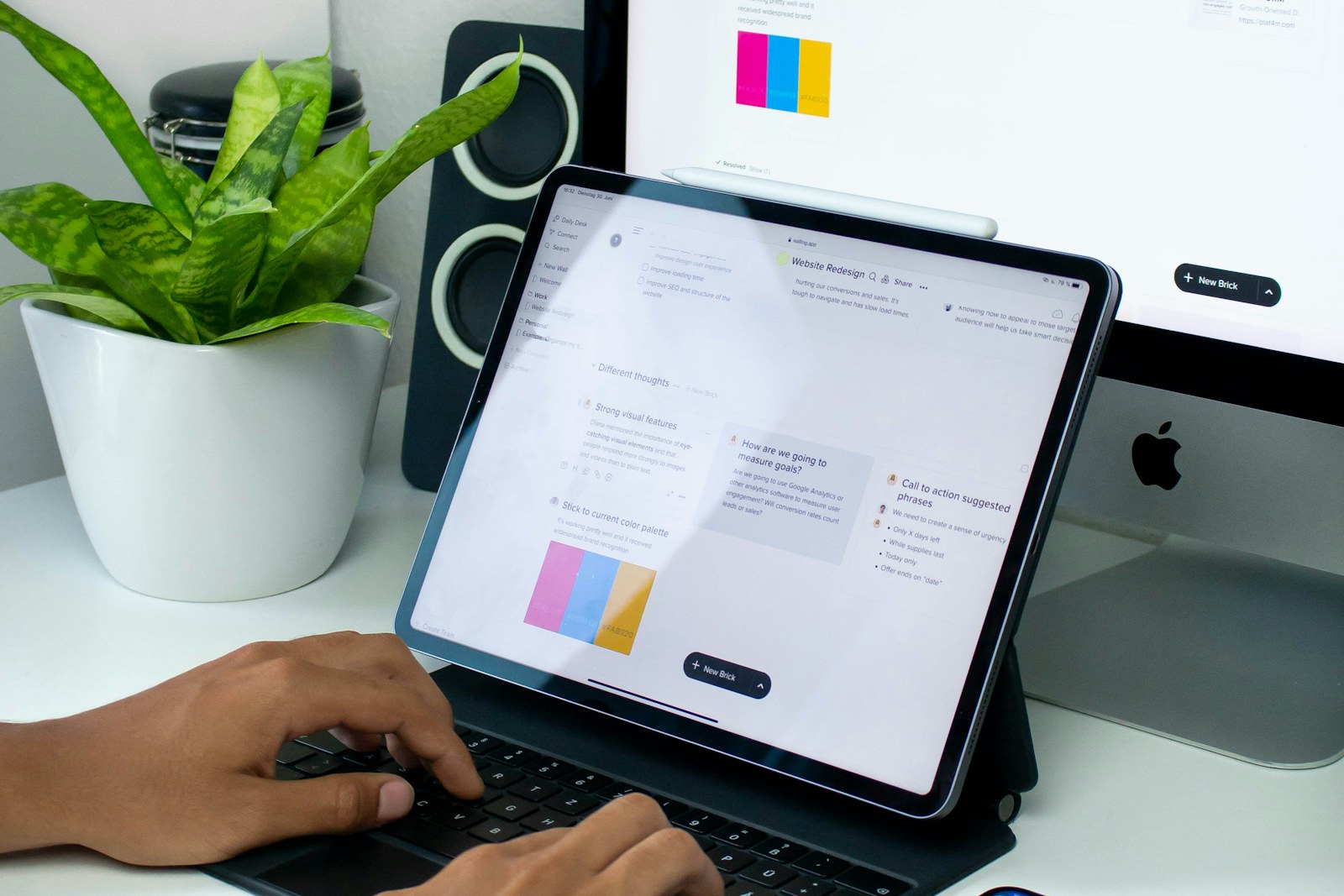
The laptop must survive back-to-back lectures, run research tabs and video calls, then edit a short film that evening. A machine chosen only for benchmark headlines can become heavy in a backpack, short on storage, or incompatible with the department's required software and ports.
Quick answer
Begin with the course software and creative workload, then choose enough memory and storage for the next several years. Favor a color-capable display, dependable battery behavior, accessible service, and a charger light enough to carry; buy peak graphics power only when the applications genuinely use it.
College and university students combining everyday coursework with photography, video, music production, illustration, 3D work, or design assignments.
Our scenario-based picks
Product links below help you check current availability. We never invent a live price, and our recommendations are not sold to manufacturers.
Best balanced portable option
Apple MacBook Air 15-inch
Best for: Students using macOS creative tools who value battery life and a larger canvas
Apple's published specifications pair an efficient fanless design, high-resolution wide-gamut display, and current Apple silicon in a relatively light chassis.
Know the tradeoff: Port selection is limited, memory and storage are not user-upgradable, and some courses require Windows-only software.
Best flexible Windows creator
ASUS ProArt P16
Best for: Students doing GPU-assisted video, design, or 3D work
ASUS publishes a color-focused OLED display, discrete graphics options, creator controls, and a broad port selection.
Know the tradeoff: More performance brings greater weight, heat, charger size, and variable battery life under creative loads.
Best repair-minded choice
Framework Laptop 13
Best for: Students prioritizing serviceability and configurable ports
Framework documents replaceable modules, expansion cards, repair guides, and multiple processor configurations.
Know the tradeoff: Integrated graphics may not suit demanding 3D or effects work, and configuration choices require more research.
Start with required software
List the exact applications, plug-ins, browser tools, and operating-system requirements published by the program. Ask whether exams, engineering tools, or campus support assume Windows or macOS before choosing a platform around preference alone.
For creative work, identify whether the application benefits from a discrete GPU, hardware media engine, large memory pool, or fast scratch storage. Manufacturer specifications describe capability, but project size and software version determine practical demand.
Budget memory and storage for the degree
Memory shared by browsers, creative applications, and background collaboration tools can become the first bottleneck. If memory is soldered, choose capacity with future coursework in mind because it cannot be added later.
Internal storage must hold applications, active projects, caches, and exports with free working space. External SSDs can archive or move large media, but carrying one does not make a permanently undersized system convenient.
Evaluate the whole day
Published battery figures use defined test conditions and do not promise the same runtime during rendering, compiling, or video meetings. Look for USB-C charging where supported and count the charger in the backpack weight.
A bright screen, usable keyboard, quiet cooling, reliable webcam, and enough ports matter during long campus days. A powerful laptop that always needs an outlet can be a poor match for lecture halls with scarce power.
Match the display to the craft
Photo and design students should inspect color-space coverage, calibration support, brightness, resolution, and surface finish in official specifications. High refresh rate is helpful for motion but does not guarantee accurate color.
Video editors should decide whether the built-in screen is the main finishing display or a mobile workspace connected to a calibrated monitor later. Avoid paying for a premium panel whose strengths the workflow cannot preserve.
Plan ownership beyond checkout
Check warranty length, accidental-damage options, campus repair access, parts availability, and the process for backing up before service. Deadlines do not pause because a proprietary part is unavailable.
Use an automatic backup plus an independent copy of irreplaceable work, label the charger, and keep project files organized by course and term. A maintainable workflow often extends useful laptop life more than one specification tier.
Before you buy
- List required course applications and operating systems
- Estimate memory for simultaneous creative and study workloads
- Reserve storage for caches and active projects
- Check display color specifications
- Compare laptop-plus-charger carry weight
- Verify ports and external-display support
- Review repair, warranty, and backup plans
Frequently asked questions
Does every creative student need a discrete GPU?
No. Photo, audio, and light video work may run well on modern integrated systems; demanding 3D, effects, and some codecs benefit more from dedicated graphics.
How much storage should a student buy?
Base it on applications, active project sizes, caches, and growth. External storage helps, but the internal drive still needs comfortable free working space.
Is a gaming laptop a good creator laptop?
It can offer strong performance, but compare display accuracy, battery behavior, fan noise, webcam, ports, and carry weight rather than assuming the categories are interchangeable.
Sources and further reading
Specifications and compatibility details were last checked on September 30, 2026. Manufacturer pages can change; confirm the current product page before purchasing.