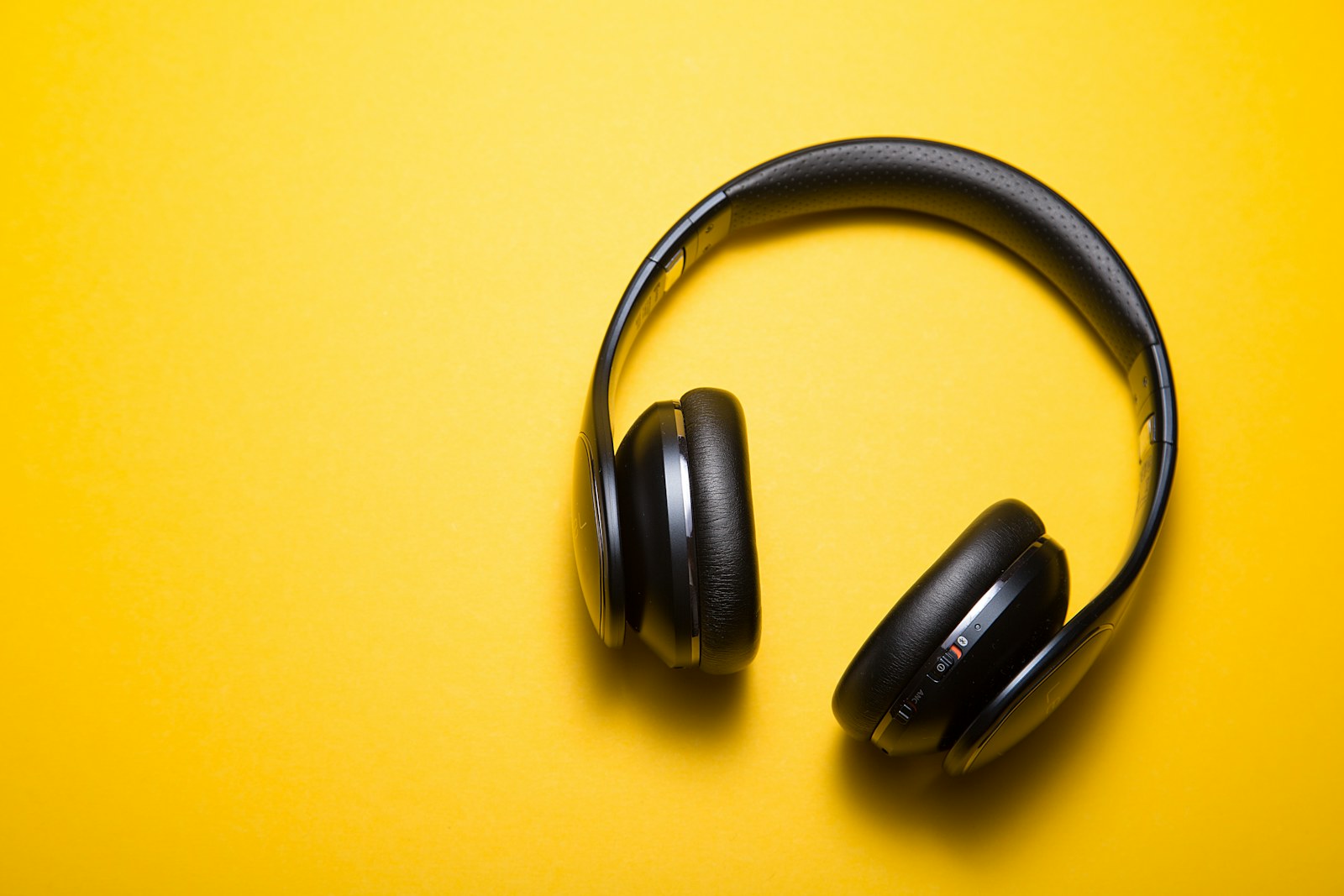
The match continues after everyone else has gone to bed, so television speakers are out and shouting into a microphone is worse. A good headset keeps dialogue intelligible at sensible volume, lets you hear your own voice, and mutes with certainty when someone enters the room.
Quick answer
Choose platform compatibility first, then comfort, microphone monitoring, and simple controls. A 2.4 GHz wireless link generally suits gaming latency better than basic Bluetooth alone, while a wired 3.5 mm headset remains the simplest multi-platform option when the controller supports it.
Console and PC players sharing walls or rooms who need private audio and courteous voice chat rather than maximum bass or decorative lighting.
Our scenario-based picks
Product links below help you check current availability. We never invent a live price, and our recommendations are not sold to manufacturers.
Best straightforward wireless
SteelSeries Arctis Nova 7
Best for: Players switching between game audio and phone chat
SteelSeries publishes multi-platform variants, 2.4 GHz wireless, Bluetooth, and on-headset controls.
Know the tradeoff: Console compatibility differs by variant, so the exact model matters.
Best premium cross-platform hub
Logitech G Astro A50 X
Best for: Multi-console desks that need source switching
Logitech documents a base station designed to route compatible console and PC audio and video.
Know the tradeoff: The base station, cables, and premium positioning are excessive for one device.
Best simple wired choice
HyperX Cloud III
Best for: Controller users who value broad wired compatibility
HyperX lists a detachable microphone and wired connections for multiple common platforms.
Know the tradeoff: Wired play adds a cable and device-specific adapters may still matter.
Verify the exact platform path
Xbox, PlayStation, Switch, PC, and mobile devices do not share every wireless standard. Read the exact regional model page and confirm whether game audio, microphone, spatial features, and chat mix all work on your device.
A USB dongle may need clearance beside other ports, while a base station adds HDMI and power cables. Sketch the connection path before buying instead of treating a cross-platform label as universal feature parity.
Comfort is a system
Clamp, ear-pad depth, headband adjustment, headset weight, glasses, hair, and room temperature all shape long-session comfort. Published dimensions help, but a return option remains valuable because head shapes differ.
Closed-back ear cups contain sound and block distractions, yet can feel warm and reduce awareness of the room. Take listening breaks and keep enough environmental awareness for alarms, family, and pets.
Make microphone behavior obvious
A flip-to-mute boom or prominent button reduces uncertainty during late sessions. Sidetone or microphone monitoring can help you avoid speaking louder when closed ear cups mask your own voice.
Software noise reduction can reduce keyboard sounds but may also thin speech or require a PC app. Set microphone gain near normal speaking level and test with a teammate before the household is asleep.
Wireless, Bluetooth, or cable
Dedicated 2.4 GHz wireless is designed for responsive game audio, while Bluetooth is useful for calls or handheld devices but can have platform and microphone limitations. Some headsets can mix both connections; others merely switch.
Wired headsets avoid charging and pairing but inherit the controller or computer's audio behavior. Check cable length, plug standard, and whether the microphone works through the chosen connection.
Build a quieter nighttime mix
Raise dialogue and useful effects before raising master volume, reduce explosive low frequencies if the game permits, and use chat balance so teammates remain intelligible. Hearing detail should not require uncomfortable loudness.
Set a volume limit where the platform supports one and take regular breaks. If you experience ringing, muffled hearing, or discomfort, stop listening and seek appropriate professional guidance rather than compensating with a different headset preset.
Before you buy
- Confirm exact console and PC compatibility
- Choose wired, 2.4 GHz, or Bluetooth intentionally
- Check mute control and sidetone
- Review weight and ear-pad dimensions
- Plan dongle, base-station, and charging space
- Keep a return option for fit
- Set a courteous microphone level
Frequently asked questions
Is Bluetooth good enough for gaming?
It can suit casual or mobile play, but latency and microphone behavior vary. Dedicated console support or 2.4 GHz wireless is usually more predictable.
What is sidetone?
It feeds some microphone sound back into the headset so you can hear your own speaking level.
Can one wireless headset work fully on every console?
Rarely without qualifications. Wireless protocols and chat features differ, so verify the exact model and platform documentation.
Sources and further reading
Specifications and compatibility details were last checked on September 30, 2026. Manufacturer pages can change; confirm the current product page before purchasing.