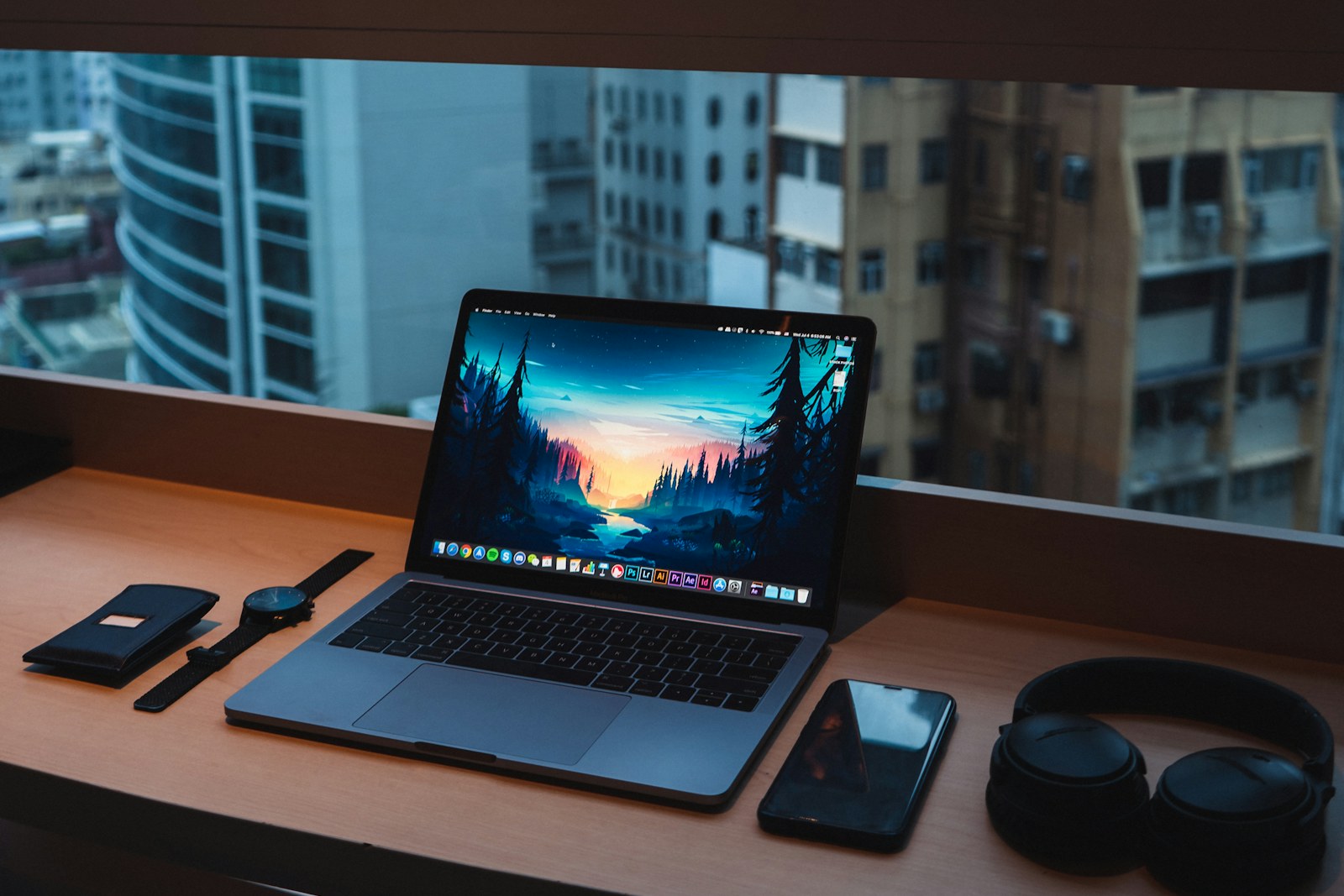
A full card must be copied before tomorrow's shoot, but the cafe table is small and the laptop has one free port. The fastest advertised drive will still disappoint if the cable, reader, laptop port, file mix, or thermal conditions become the bottleneck—or if the SSD is the only copy.
Quick answer
Choose enough capacity for the trip plus working headroom, then match the drive interface to ports you actually own. Favor a compact, documented rugged design and reputable encryption tools, but protect images with two independent verified copies stored separately rather than trusting one durable enclosure.
Photographers and small video crews who copy, cull, or edit files away from home and need a repeatable backup routine in limited workspace.
Our scenario-based picks
Product links below help you check current availability. We never invent a live price, and our recommendations are not sold to manufacturers.
Best rugged mainstream choice
Samsung Portable SSD T7 Shield
Best for: Travelers balancing compatibility, durability, and size
Samsung publishes USB 3.2 Gen 2 performance, password-capable software, and an IP-rated rugged enclosure.
Know the tradeoff: Its interface cannot use the higher throughput of newer USB 20Gbps or Thunderbolt workflows.
Best faster USB option
Crucial X10 Pro Portable SSD
Best for: Creators with compatible USB 20Gbps computers
Crucial documents USB 3.2 Gen 2x2 performance, hardware encryption support, and dust/water resistance.
Know the tradeoff: Many computers lack Gen 2x2 support and will run it at a lower negotiated speed.
Best Thunderbolt workflow
OWC Envoy Pro FX
Best for: Mac and PC editors needing broad Thunderbolt and USB compatibility
OWC publishes Thunderbolt/USB connectivity, bus power, and a rugged portable enclosure for high-throughput work.
Know the tradeoff: It costs and weighs more than basic USB drives, and peak speed depends on the host.
Map the entire transfer path
The card, reader, hub, cable, laptop port, SSD interface, file system, and file mix all affect transfer time. One slow link sets the ceiling, regardless of the drive's maximum published speed.
Check the computer's port specification rather than its connector shape. USB-C can carry many protocols, and a USB 20Gbps drive may negotiate at 10Gbps on otherwise modern hardware.
Size capacity for copies and edits
Estimate daily still and video volume from previous trips, multiply by shooting days, then add room for catalogs, previews, exports, and unexpected reshoots. Avoid operating a working drive perpetually near full capacity.
A large single drive is convenient but concentrates risk. Two smaller drives stored separately can create independent copies, while original cards remain untouched until both copies are verified.
Understand ruggedness and security
Ingress and drop claims apply under published test conditions, often with port covers correctly closed. They do not make a drive immune to loss, connector damage, saltwater, crushing, or a bad cable.
Encryption protects lost media only when enabled correctly and paired with secure credentials. Test unlocking on the travel computer, store recovery information separately, and understand that a forgotten password may make files unrecoverable.
A field-copy routine
Create dated project folders, copy rather than move from the card, and wait for the operating system to finish before ejecting. Open representative images and video clips from the destination instead of trusting a progress bar alone.
Create the second copy immediately when the work cannot be recreated, then store it away from the first drive. Format cards in the camera only after verification and according to the project's retention plan.
Pack and edit safely
Use a short known-good cable, protect the connector from side loads, and place the SSD where it cannot be pulled off the table. Adhesive mounts can help only when they do not trap heat or leave the cable under tension.
Editing directly from the SSD is practical when performance is sufficient, but maintain another backup before reorganizing folders. Sync software can propagate deletions, so confirm its mode and retention behavior.
Before you buy
- Estimate trip data plus working headroom
- Verify laptop port and drive protocol
- Pack a tested spare cable
- Check file-system compatibility
- Enable and test encryption if needed
- Make two independent verified copies
- Store copies in separate bags or locations
Frequently asked questions
Will every USB-C port deliver the drive's full speed?
No. Connector shape does not reveal protocol; host port, cable, drive, and file workload all determine throughput.
Is an IP-rated SSD enough as a backup?
No. Ruggedness can reduce physical risk, but only an independent second copy protects against loss, failure, or accidental deletion.
Should I erase memory cards after copying?
Only after verifying at least two usable copies when the work matters, and after following the project's retention policy.
Sources and further reading
Specifications and compatibility details were last checked on September 30, 2026. Manufacturer pages can change; confirm the current product page before purchasing.